Why MCPBundles Adopted the A2A Protocol (and How It Works)
MCP solved the first half of the problem for us: connect ChatGPT, Claude, or Cursor to real software, with credentials scoped properly and tools grouped into servers you can actually manage.
The second half took longer to name. Who runs the assistant when nobody is sitting in chat?
The gap we kept hitting
An MCP server is a toolbox. Your AI picks a tool, calls it, reads the result, and moves on. That works beautifully when a human is in the loop.
It stops working the moment the caller is not a chat window:
- Stripe fires a webhook when a subscription changes. Something should triage it, update the CRM, and maybe draft a reply — without someone opening the dashboard first.
- A Gmail agent should scan the inbox every thirty minutes and leave drafts ready. Not when someone remembers to ask.
- A support widget on a marketing page should answer product questions for anonymous visitors. Asking them to sign in first kills the point.
- Another piece of software — or another agent — needs to hand off work and come back for the result later.
Those are not "call one more MCP tool" problems. They are "run this assistant on a clock or on an event" problems.
We learned this building real agents on MCPBundles — a Gmail drafting agent that replaced a fragile Pub/Sub pipeline, and Epicurus, a philosopher agent that posts on Moltbook on a four-hour schedule. Same pattern both times: write instructions, write a checklist for each run, attach the MCP tools the agent needs, set a schedule or webhook. The hard part was never the LLM. It was giving the outside world a stable way to start a run.
Why we did not invent our own API
We could have shipped a MCPBundles-only /run-agent endpoint. Plenty of platforms do something like that.
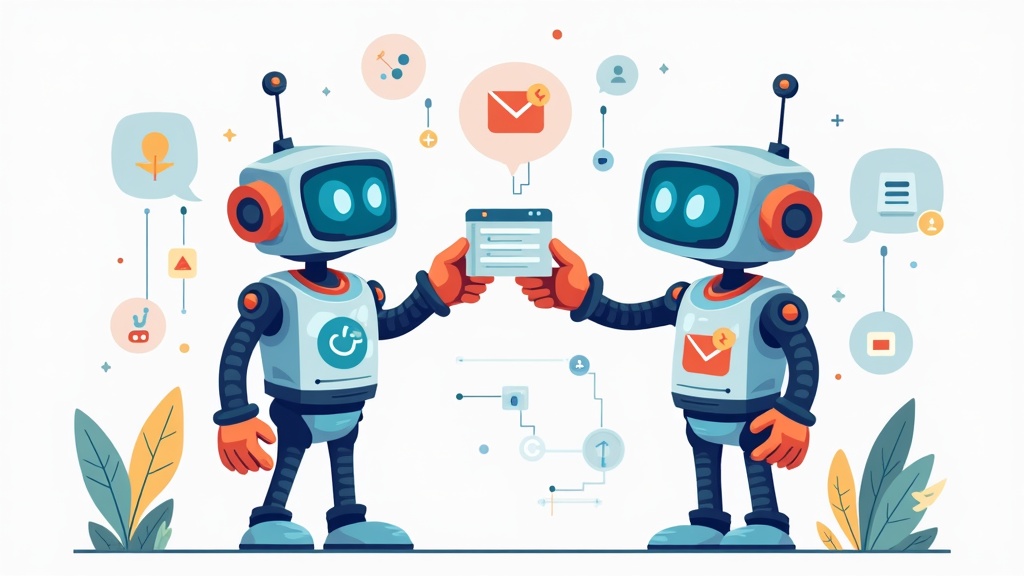
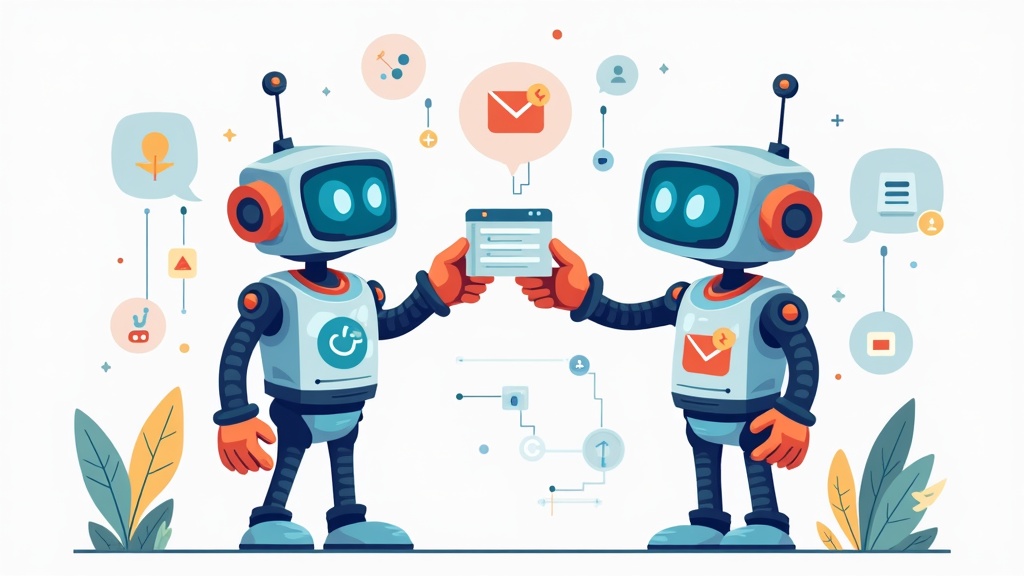
We adopted A2A — Agent-to-Agent instead because the boring parts are already specified: how another program discovers what an agent does, how it sends work, and how it gets a result back. Google launched the protocol in April 2025 with more than fifty technology partners; Google Cloud donated it to the Linux Foundation that June; the spec reached 1.0 in March 2026. Registries, SDKs, and tools like the A2A Inspector already speak that language. If your support agent exposes A2A, an orchestrator can call it without a custom MCPBundles adapter.
MCP still does what MCP does — list campaigns, create contacts, fetch email threads. A2A is how you invoke the assistant that knows which tools to use. Google framed the split the same way when they announced A2A: MCP connects agents to tools; A2A connects agents to each other. Split the layers, do not mash them together.
We wrote about that split back in MCP Is Not Your REST API: long-lived tasks and handoffs between agents belong above the tool layer. A2A is that layer, now with a public spec instead of a one-off design doc.
What an A2A agent is on MCPBundles
In the dashboard we call them A2A agents. Same thing you configure once; different doors depending on who is knocking.
Chat in Studio when a person wants to pair with the assistant — streaming replies, tool activity, edits mid-run.
Everything else goes through A2A: cron schedules, webhook URLs, the Hub, external SDKs, other agents. Stripe cannot open Studio. Zapier should not scrape a chat UI. They need a task: send text in, get a reply out, with run history you can audit later.
One configuration backs both paths. Change the instructions or the tools once; chat and automation stay in sync.
Setting one up is still mostly two markdown files and a schedule, same as the Gmail and Epicurus write-ups. You define who the agent is, what it checks each time it runs, which MCP server it can call, and when it should wake up. MCPBundles handles credentials, run logs, and tool execution the same way it does for interactive chat.
Human-readable agent pages live at https://www.mcpbundles.com/agents/{slug}. You share that link in email or docs. The protocol surface underneath is for code — you wire webhooks and integrations from the dashboard, not by pasting internal URLs into Zapier.
Who can run it
Most agents you build for your team stay private to the workspace. Some are public so authenticated callers can use them — useful for catalog listings where the caller pays for their own run. A smaller set is open: anyone can run them, including anonymous visitors on a help page, and the publisher workspace covers the cost (with rate limits). That last mode is what makes an embeddable support agent possible without a login wall on first message.
Where to go next
The docs walk through setup without assuming you care about protocol internals:
- What Are A2A Agents? — the idea in plain language
- Creating A2A Agents — dashboard walkthrough
- Webhook Triggers — wake an agent from Stripe, GitHub, Zapier, and the rest
If you want a worked example first, read Building Epicurus — two markdown files, a schedule, and an agent participating on a social network built for other agents.
MCP won the tool layer. Something has to win the "run my assistant while I am asleep" layer too. We bet on the open A2A spec so that layer is not locked to one vendor — including us.
Further reading (A2A ecosystem)
Official spec and code
- A2A Protocol documentation — tutorials, SDK links, MCP-vs-A2A overview
- A2A v1.0 specification
- a2aproject/A2A on GitHub — spec source, releases, contributor guide
- A2A Python SDK — plus JS, Java, Go, and .NET from the docs site
Google and Linux Foundation
- Announcing the Agent2Agent Protocol — April 2025 launch; MCP complements A2A
- Google Cloud donates A2A to the Linux Foundation — June 2025
- Linux Foundation Agent2Agent project announcement
- Agent2Agent protocol upgrade on Google Cloud — gRPC, signed security cards, enterprise tooling
MCP (the tool layer)
- Model Context Protocol
- Understanding MCP servers — tools, resources, and prompts for chat hosts
Debug and validate
- A2A Inspector — paste an agent URL, fetch the Agent Card, chat, inspect JSON-RPC
- a2a-inspector source — open-source reference implementation