MCP Server Hosting: Run Remote MCP Servers Without Infrastructure
Browse the full directory of remote and hosted MCP servers — 1,500+ live servers you connect via URL, no local process required.
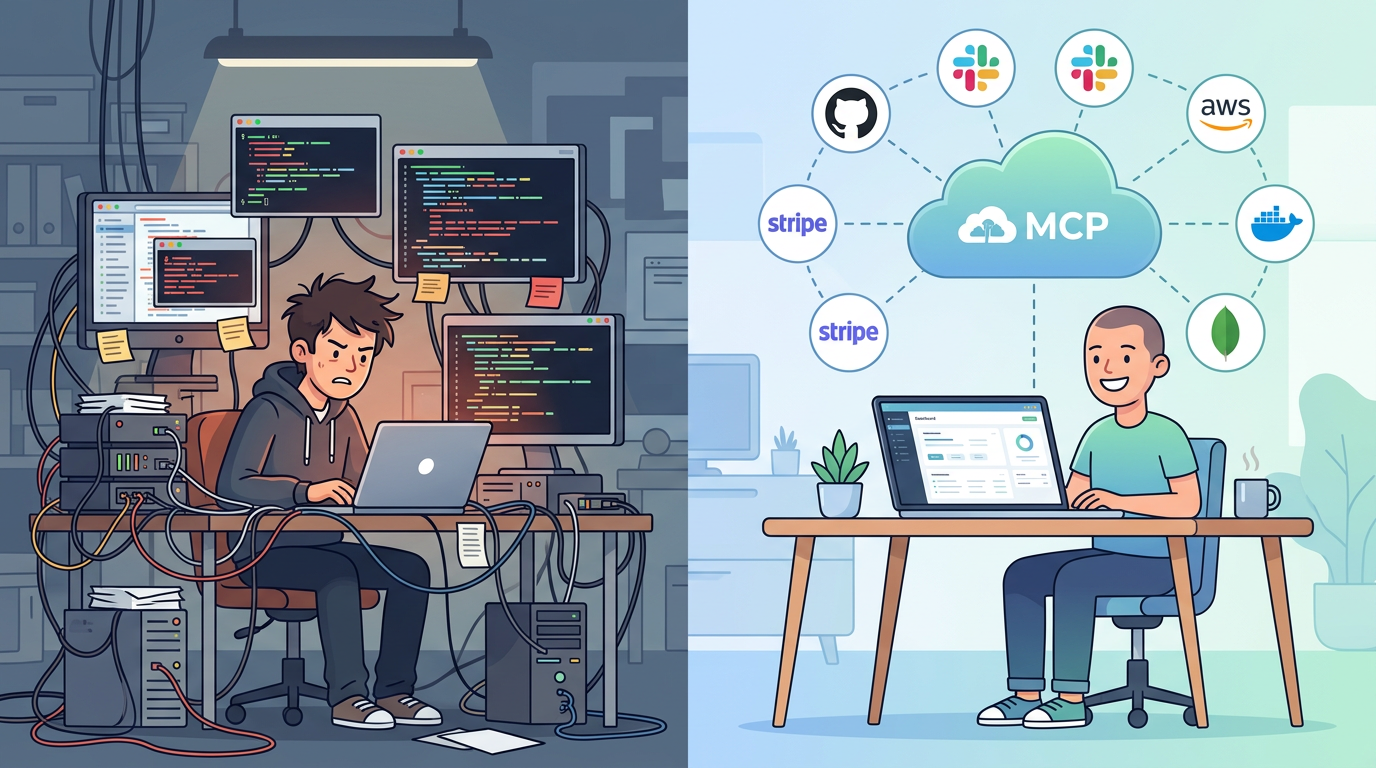
If you've set up an MCP server before, you know the drill. Clone a repo. Install dependencies. Add your API key to a JSON config file. Start the process. Configure your AI client to connect to localhost:3000. Repeat for every service you want to use.
It works. Until it doesn't. The process crashes silently. Your laptop sleeps and the server dies. You upgrade Node and the dependencies break. A teammate wants access and you're sharing API keys over Slack. You add a third service and now you're managing three server processes, three config files, and three sets of credentials in plaintext on your machine.
Local MCP servers are fine for trying things out. For daily use across a team, you need hosting.