
2 posts tagged with "Knowledge Management"

Knowledge bases and personal information management

View All Tags

MCPBundles Desktop: Connect Cloud AI to Your Obsidian Vault (and Other Apps on Your Mac)

· 6 min read
MCPBundles

TL;DR

  • MCPBundles Desktop is a menu-bar app that replaces the old pip install + terminal proxy setup from our March Obsidian guide.
  • Install it, pair your workspace once, and AI in Studio, ChatGPT, or Cursor can read and write your vault while Obsidian stays on your machine — nothing copied to our servers.

Picture Friday evening. Obsidian is open on your Mac. You're in MCPBundles Studio asking for open tasks tagged #work. That only works if something on your computer is connected and listening. That's what Desktop does — it sits in the menu bar and keeps the link alive so you don't have to think about it.

Cartoon illustration of a laptop with a menu bar app icon, a glowing secure tunnel connecting the laptop to a cloud with AI chat bubbles, and a notes vault folder on the desktop

Obsidian MCP Server: Connect Your AI to Your Vault (Claude, ChatGPT, Cursor)

· 16 min read
MCPBundles

Most Obsidian MCP servers give you six tools: read a file, write a file, search, list, patch, delete. Basic CRUD over Markdown. That's table stakes.

This one does things the others can't. Your AI sees images in your vault — diagrams, whiteboard photos, screenshots — through actual vision, not file paths. It traverses your wikilink graph and finds orphaned notes nothing links to. It edits a specific section of a document by heading or block reference without overwriting the rest. It lists every open task across your entire vault. It runs Obsidian commands directly from the command palette.

It works with Claude Desktop, ChatGPT, Cursor, Windsurf, or any MCP client. No npm install, no local server, no JSON config. One remote URL and your AI has the tools.

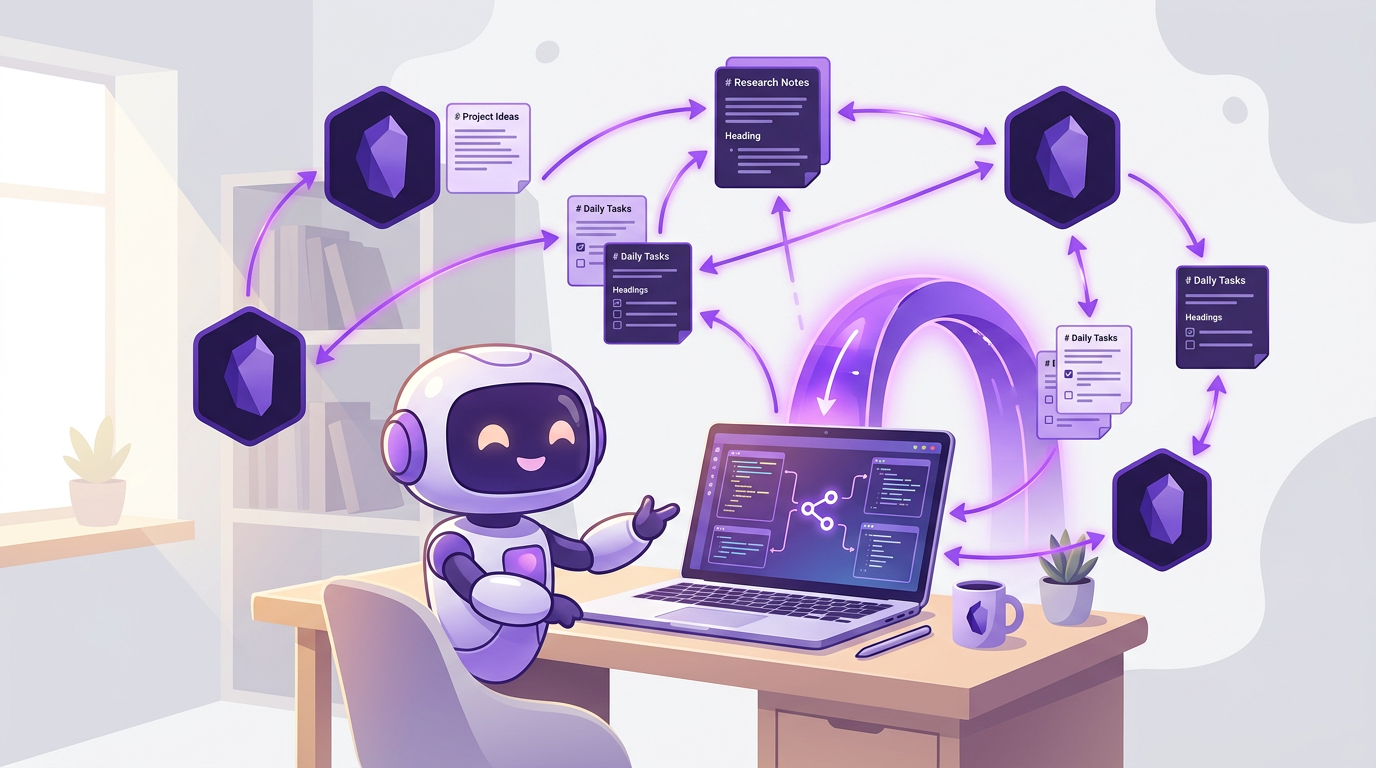
Cartoon illustration of AI assistant interacting with Obsidian vault notes, tags, and wikilinks through a secure proxy tunnel
Your AI navigates your vault, sees your images, analyzes your graph, manages tasks, and surgically edits any section of any note.