86 posts tagged with "AI Agents"

AI agent development and design

View All Tags

Best MCP Servers in 2026 — The Definitive List (Updated May)

· 25 min read
MCPBundles

The Glama directory lists 22,775 MCP servers as of May 2026. Most are weekend projects. Some are brilliant. BlueRock Security found 36.7% of public MCP servers carry SSRF vulnerabilities, 41% have no authentication at all, and only 8.5% use OAuth — so a "list of every MCP server" is not a useful list.

This guide is the opposite: the ~80 servers that real teams run in production, grouped by job. Four to five of them will cover 80% of what you ask your AI to do. We've been running MCPBundles for over a year — a platform where teams connect their AI agents to production APIs — and have tested, wrapped, and maintained MCP servers for hundreds of services. This is what we've learned about which ones are worth your time, what to skip, and why.

Best MCP Servers in 2026

Cursor MCP Tools: Give Your AI Coding Agent 10,000+ Real API Tools

· 7 min read
MCPBundles

Here's the thing nobody tells you about Cursor's agent mode: it's brilliant at working with code and completely blind to everything your code talks to.

Last week we were debugging a webhook handler. Cursor had the code open, understood the control flow, spotted a race condition in the retry logic. Genuinely impressive. Then we needed to know whether the bug was actually hitting production — were customers seeing duplicate charges? The agent that just did 15 minutes of sophisticated code analysis couldn't answer a basic factual question about our own Stripe data.

So we opened a browser tab, logged into Stripe, searched for the customer, scrolled through PaymentIntents, compared timestamps manually, went back to Cursor, and typed what we found. The AI had all the context and none of the data.

We got tired of being the copy-paste bridge between our IDE and our dashboards.

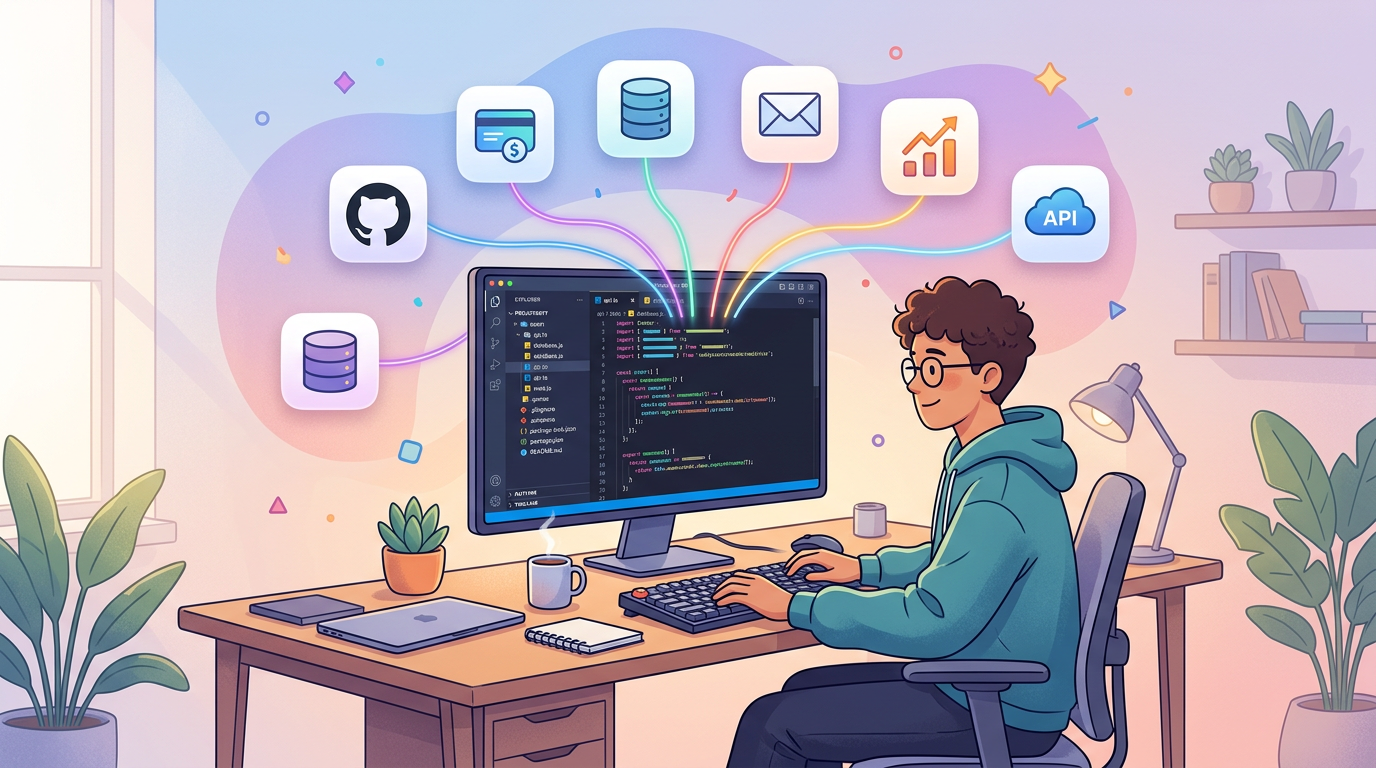
Developer using Cursor with MCP tools connected to production services

MCP Marketplace: Browse 1,500+ Providers and 10,000+ AI Tools

· 5 min read
MCPBundles

Glama indexes 20,000+ MCP servers. Smithery has 8,000+. mcp.so has 6,000+. There's no shortage of servers to find.

The problem is everything that happens after you find one.

You pick a promising-looking Stripe MCP server from a directory. Now you need to clone the repo, install its dependencies (hope they don't conflict with yours), figure out whether it uses env or args for the API key, add your key to a JSON config file in plaintext, start the process, and configure your AI client to talk to localhost:3000. If you're lucky, it works. If the repo hasn't been updated in three months, it probably doesn't.

Repeat that for every service you want to connect. We got to five local MCP server processes before we gave up and built something better.

MCP Marketplace — browse and connect AI tools

MCP Server Hosting: Run Remote MCP Servers Without Infrastructure

· 6 min read
MCPBundles

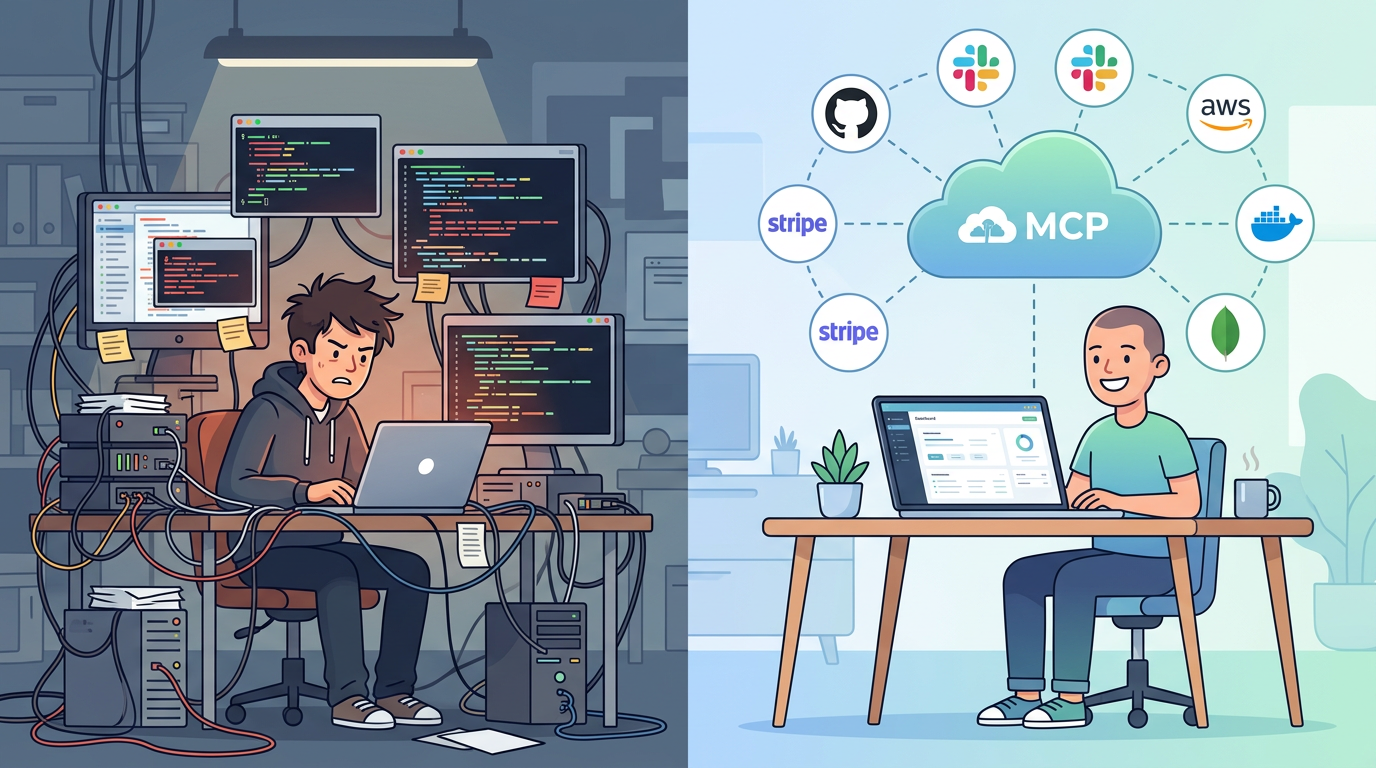
If you've set up an MCP server before, you know the drill. Clone a repo. Install dependencies. Add your API key to a JSON config file. Start the process. Configure your AI client to connect to localhost:3000. Repeat for every service you want to use.

It works. Until it doesn't. The process crashes silently. Your laptop sleeps and the server dies. You upgrade Node and the dependencies break. A teammate wants access and you're sharing API keys over Slack. You add a third service and now you're managing three server processes, three config files, and three sets of credentials in plaintext on your machine.

Local MCP servers are fine for trying things out. For daily use across a team, you need hosting.

Remote MCP server hosting

MCPBundles CLI: Give Your AI Coding Agent Access to 10,000+ Production Tools

· 7 min read
MCPBundles

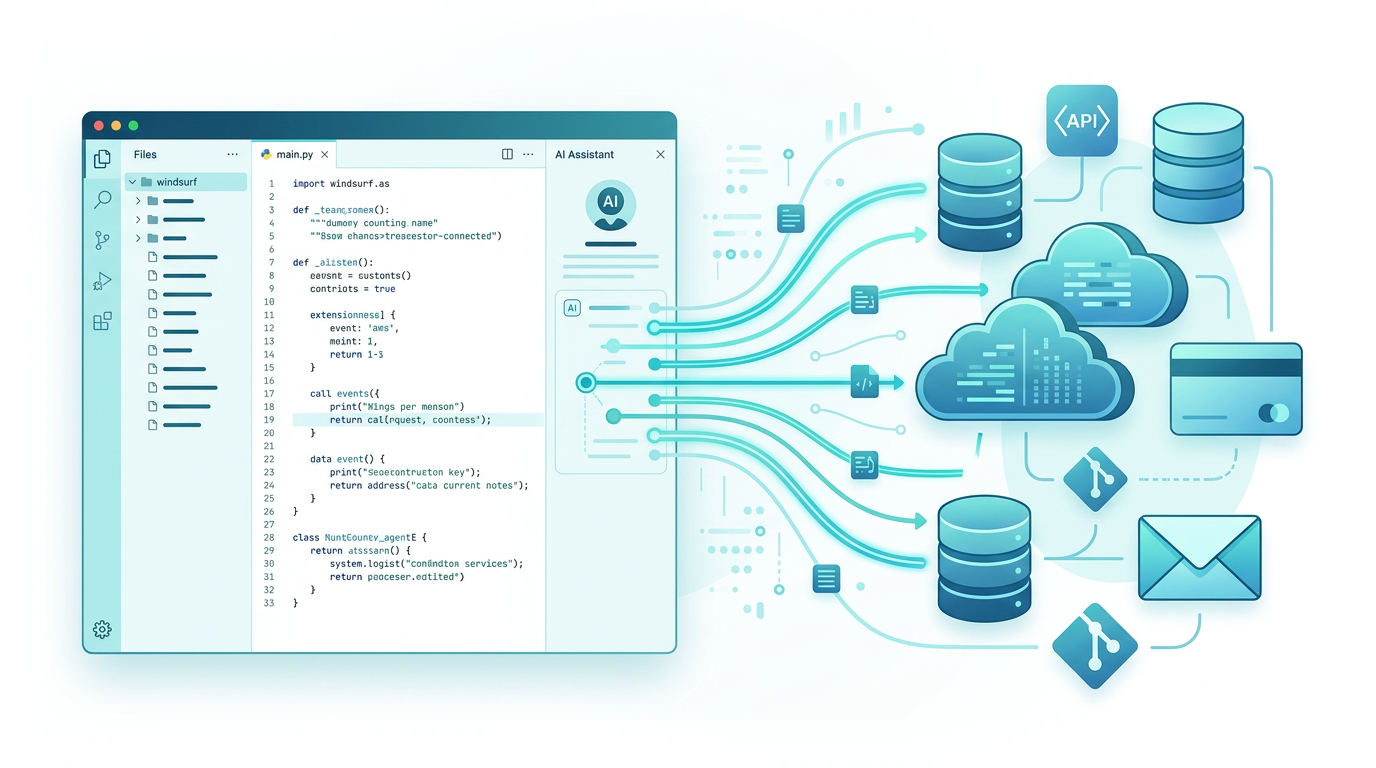
MCPBundles has always worked as an MCP server. You add it to Claude Desktop, Cursor, ChatGPT, or any MCP-compatible client, and your AI gets access to Stripe, HubSpot, Postgres, PostHog, Gmail, and every other service you've connected — with real credentials, real permissions, and real data.

The MCPBundles CLI is an alternative way to access those same tools. Instead of configuring MCPBundles as a remote MCP server in your client, you install a command-line tool and authenticate with an API key. The AI agent discovers and calls your tools through shell commands — the same 10,000+ tools, the same credentials, the same workspace permissions.

pip install mcpbundles

Dynamic Bundles: Hub-Style Power Inside Any Bundle

· 3 min read
MCPBundles

Tool overload is real.

It shows up as lag. Wrong tool picks. Weird, half-finished workflows. Or the model just dumps a wall of raw data at you and calls it a day.

We’ve always had a simple answer: keep bundles focused. 5–15 tools for one job.

That still works great.

But sometimes you do want a big bundle. A real “everything I use for this role” bundle.

Now you can do that without turning your AI into a confused mess.

Every bundle can run in Dynamic.

Introducing the Hub: Cross-Service AI Workflows Without Tool Overload

· 5 min read
MCPBundles

Tool overload is real. Give AI 50 tools and it gets confused—slow, wrong tool selections, data dumps instead of answers. We've always solved this with focused bundles: give AI 5-15 tools for a specific workflow, and it works great.

But what about when you need data from multiple services at once?

That's why we built the Hub. It uses programmatic tool calling—AI discovers tools on-demand and writes code to orchestrate them—so you can work across all your connected services without the overload problem.

This builds on recent research from Anthropic—their work on advanced tool use and code execution with MCP. We took these patterns and made them accessible to anyone with an MCPBundles account.

MCP Tool Parameter Design: Teaching AI Agents Through Descriptions

· 11 min read
MCPBundles

When you're building MCP tools, there's a moment where you realize something counterintuitive: the description field isn't just documentation—it's instruction. Every parameter description you write is a teaching moment where the AI learns not just what a parameter is, but when to use it, why it matters, and how it impacts the operation.

This shift in thinking—from documenting to teaching—changes how you design tools. Let me show you what that looks like in practice.

Cartoon illustration of a person teaching AI agents through tool parameter descriptions, happy expression
Design MCP tool parameters that teach AI agents through rich descriptions for self-documenting and intuitive AI integrations.